How to Request a Movie in OnStream APK (Complete Guide)
OnStream APK is one of the most popular streaming apps for watching movies, series, and TV shows for free. It has a huge collection of content from different countries and genres which makes the users choose it over any other App. Sometimes users search for a movie but they get to know it is not available in the app. This can happen because the movie is new, the content has not been added yet, or the developers have not updated the library.
The good news is that OnStream APK allows its users to request movies and TV shows. By sending a request, you can let the developers know which content you want to watch. While there is no promise that every request will be accepted but many popular movies are added after users ask for them.
In this artcile, you will learn how to request a movie in OnStream APK, what to do if the request option is not available, and some helpful tips to increase your chances of getting the movie added.

Why Request a Movie?
The movie library in OnStream is updated regularly, but no streaming app can have every movie available all the time. Requesting a movie helps the developers know what users want. Some common reasons to request a movie include:
- The movie is not available.
- The movie is very new.
- The movie was removed.
- You want a movie from another country.
- The search shows no results.
If many users request the same title, there is a high chance that it will be added in a future update.
Can You Request Movies in OnStream APK?
Yes, you can request movies in OnStream APK if the feature is available in your app version. Some versions include a request option, while others may ask users to contact the developers through their official community or support page. Keep in mind that sending a request does not mean the movie will appear immediately. The developers first check if they can find a good streaming source before adding it.
Steps to Request a Movie in OnStream APK
If you want to request for a Movie then follow the steps mentioned below;
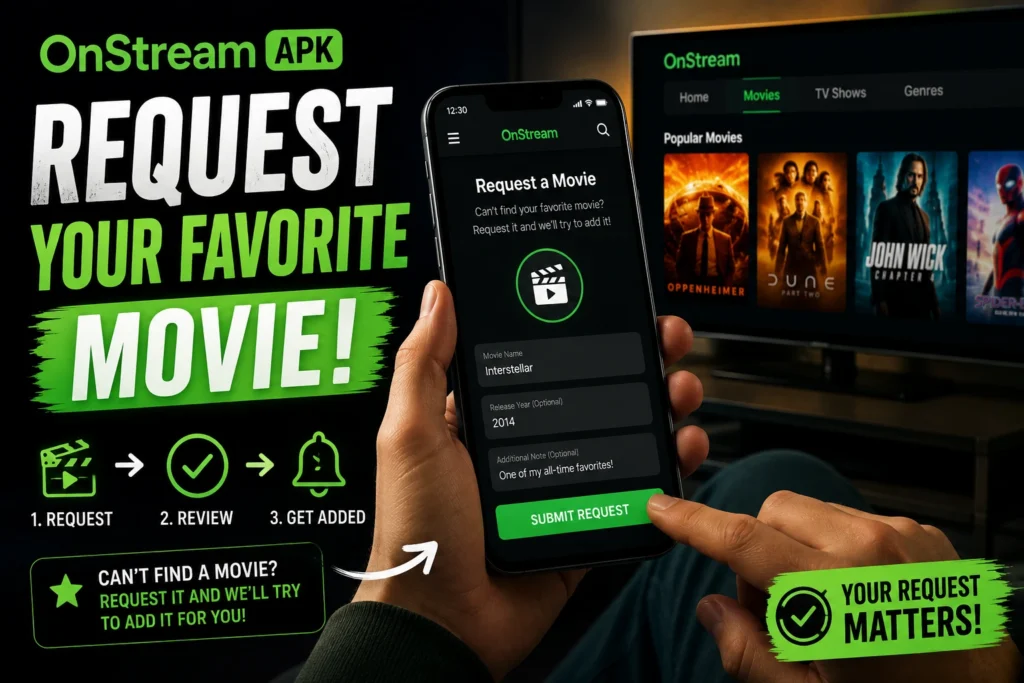
Step 1: Open OnStream APK
Launch the OnStream APK on your Android phone, tablet, Android TV, or other supported device.
Step 2: Search for the Movie
Use the search bar at the top of the app. Type the full name of the movie you want to watch. Make sure the spelling is correct because a small mistake can show no results.
Step 3: Check the Search Results
Look through the results carefully. Sometimes the movie is already available with a slightly different title or release year. Check before sending a request.
Step 4: Find the Request Option
If the movie is not available, look for a Request Movie or Request Content option. Some versions show this option directly after the search, while others keep it inside the settings or help section.
Step 5: Enter Movie Details
Fill in the required information. You may need to enter:
- Movie title
- Release year
- Language
- Additional information (optional)
Providing the correct details helps the developers find the right movie faster.
Step 6: Submit the Request
After checking the details, tap the Submit button. Your request will be sent to the OnStream team for review.
What If There Is No Request Button?
Some Old versions of OnStream APK do not include a request feature. Follow the steps to get the Feature:
- Update to the latest version.
- Visit the official OnStream community.
- Contact the support team.
- Join the official Telegram or Discord group if available.
- Wait for the next content update.
Many movies are added during regular updates even without a request.
Is Requesting a Movie Free?
Yes, requesting a movie in OnStream APK is usually free. You do not need to pay any fee to send a content request. However, submitting a request does not guarantee that the movie will be added.
What Happens After You Send a Request?
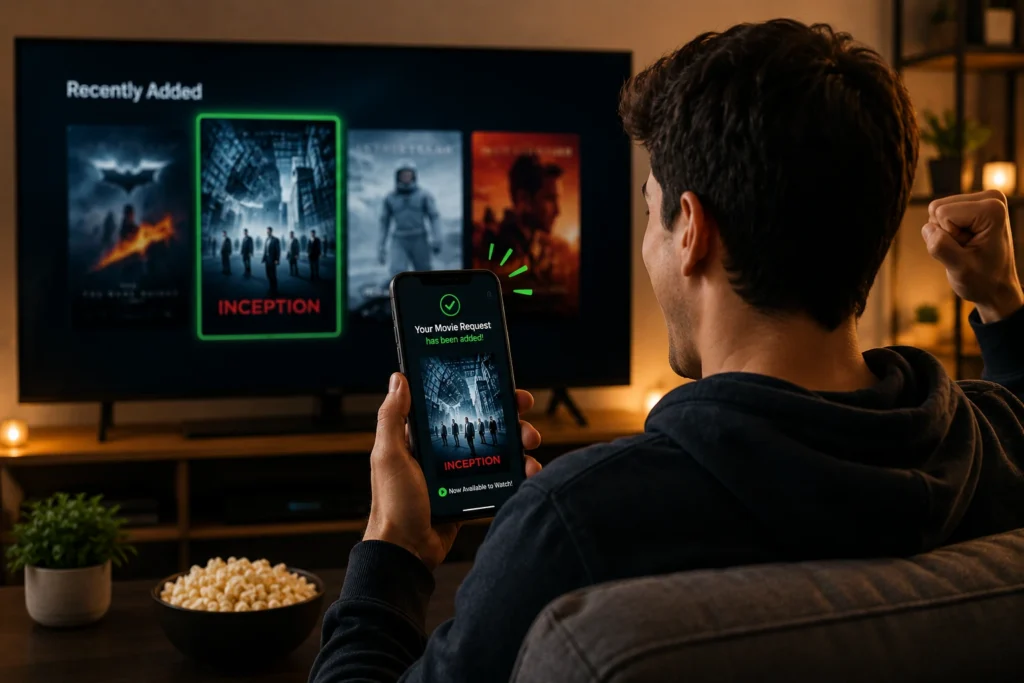
Once your request is submitted, the developers review it. If the requested movie has a good streaming source and meets their requirements, it may be added in a future update. You do not usually receive a personal reply, so the best way to check is by searching for the movie again after updating the app.
Conclusion
Requesting a movie in OnStream APK is an easy way to let the developers know what you want to watch. The process only takes a few minutes, and your request may help improve the app’s content library for everyone. Always search carefully before sending a request, use the correct movie title, and keep your app updated to enjoy the latest features and movies. While not every request is accepted, popular and available titles have a better chance of being added in future updates. With a little patience, your favorite movie may appear in the OnStream library soon.